In this article
AI photo editing is no longer a future trend—it’s already here. If you’ve landed on this page searching for google gemini ai photo editing prompts copy paste, you’re in the right place.
At RCN Guide, we focus on practical, real-world AI tools that actually save time. This guide is written for creators, marketers, bloggers, and working professionals who want clean, high-quality image edits without spending hours in complex software.
What Is Google Gemini AI Photo Editing?
Google Gemini AI is Google’s advanced multimodal AI system capable of understanding both text and images together. Instead of manually editing photos, you simply describe what you want—and Gemini AI does the work.
The secret lies in using the right prompts. A well-written prompt can instantly turn an average image into a professional-looking visual.
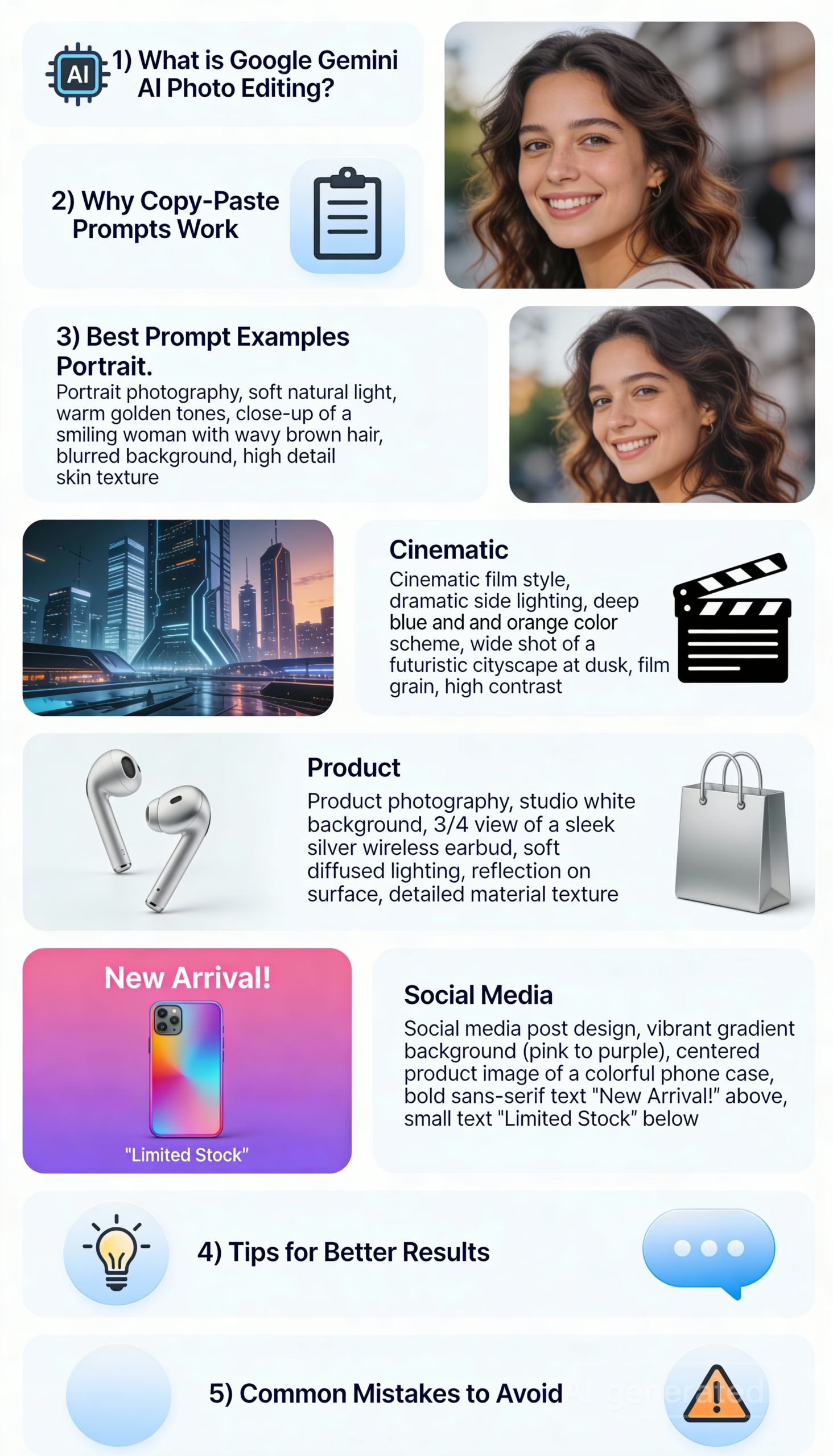
Why Copy-Paste Prompts Work Best
Many users fail with AI editing because their instructions are vague. Copy-paste prompts remove guesswork and give Gemini clear direction.
That’s why the keyword google gemini ai photo editing prompts copy paste is trending—people want fast, proven instructions that deliver consistent results.
Best Google Gemini AI Photo Editing Prompts (Copy Paste)
Professional Portrait Enhancement
Enhance this portrait with natural skin texture, balanced lighting, soft shadows,
sharp eyes, and realistic colours. Avoid over-editing or artificial beauty effects.
Cinematic Look Prompt
Transform this image into a cinematic style with dramatic lighting, rich contrast,
subtle film grain, and a moody colour tone while keeping details sharp.
Background Removal Prompt
Remove the background cleanly and replace it with a soft studio backdrop.
Ensure realistic edge blending and natural lighting around the subject.
Social Media Optimised Image
Optimise this image for social media by enhancing colours, brightness, and contrast
while keeping the edit clean, natural, and eye-catching.
Product Photo Enhancement
Enhance this product image with improved sharpness, accurate colours, clean background,
and premium lighting suitable for ecommerce use.
How to Get Better Results with Gemini AI
Based on RCN Guide’s testing, the best results come when you:
- Clearly describe lighting and realism
- Mention what should NOT be changed
- Avoid mixing multiple styles in one prompt
- Use natural, conversational English
Common Mistakes People Make with Gemini AI Photo Editing
Let’s quickly cover what not to do:
- Using one-line prompts
- Forgetting to mention realism
- Asking for too many styles at once
- Ignoring lighting instructions
Avoid these, and your results will instantly improve.
Why Google Gemini AI Is Better Than Other AI Photo Editors
Here’s why Gemini stands out:
- Deep understanding of context
- Strong image + text interpretation
- Cleaner, more natural edits
- Google-level AI training
- Faster prompt response
For people who want quality without complexity, Gemini AI is a solid choice.
Why Google Gemini AI Is a Smart Choice
Gemini AI stands out due to its deep contextual understanding and Google-level training data. For bloggers, SEO professionals, and digital marketers, it offers a perfect balance between speed and quality.
Don’t forget to learn about Manus AI here: https://rcnguide.com/manus-ai-what-it-is-how-it-works/
Frequently Asked Questions
What are Google Gemini AI photo editing prompts?
They are text-based instructions that tell Gemini AI exactly how to edit or enhance an image.
Can I reuse copy-paste prompts?
Yes. Copy-paste prompts are reusable and can be slightly modified depending on your image.
Is Gemini AI suitable for professional work?
Absolutely. It’s ideal for portraits, products, blog images, and social media visuals.
Are these prompts free to use?
Yes. You can freely use these prompts for personal or professional projects.
Final Note from RCN Guide: If you want faster image edits without sacrificing quality, mastering google gemini ai photo editing prompts copy paste is a smart move.
At RCN Guide, we regularly cover AI tools for content creators that help bloggers, marketers, and designers work faster without sacrificing quality.
Use the key points in this guide to understand the topic and make more informed decisions.

This guide is researched and edited using relevant documentation, reliable sources and publicly available information.
Was this guide helpful?
Your feedback helps us improve future guides.