
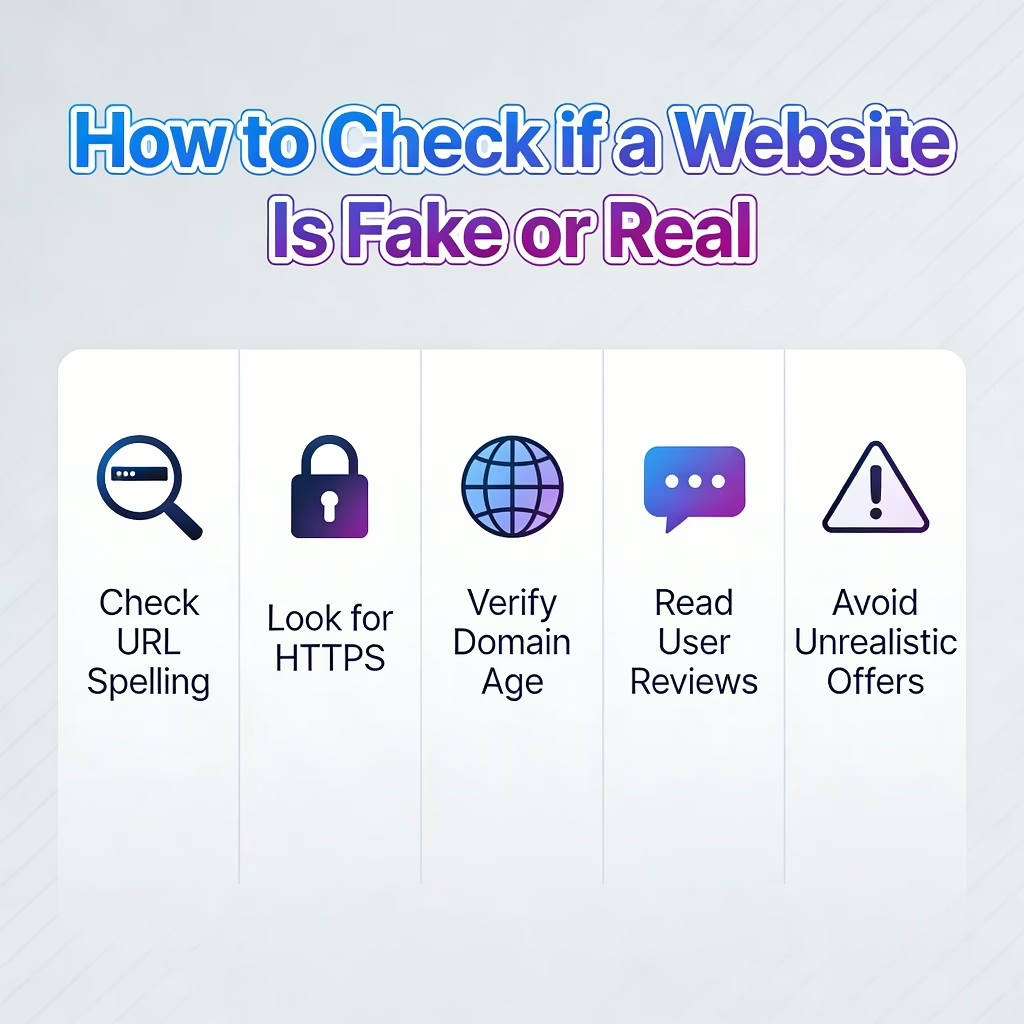
In today’s digital world, websites have become a daily necessity. From shopping and banking to reading news and using tools, almost everything happens online. Unfortunately, this convenience has also given rise to fake and scam websites designed to trick users, steal personal information, or cause financial loss.
This guide explains how to check if a website is fake or real, using simple steps that anyone can follow — even without technical knowledge.
🎧 Prefer Listening? Hear This Guide as a Podcast
Why Fake Websites Are Increasing Rapidly
Fake websites are no longer poorly designed or easy to spot. Many now look professional, use copied logos, and even appear on search engines.
Common reasons why fake websites are increasing:
- Easy access to website-building tools
- Cheap domain registrations
- Lack of user awareness
- Blind trust in search results and ads
Understanding how these sites operate is the first step towards staying safe online.
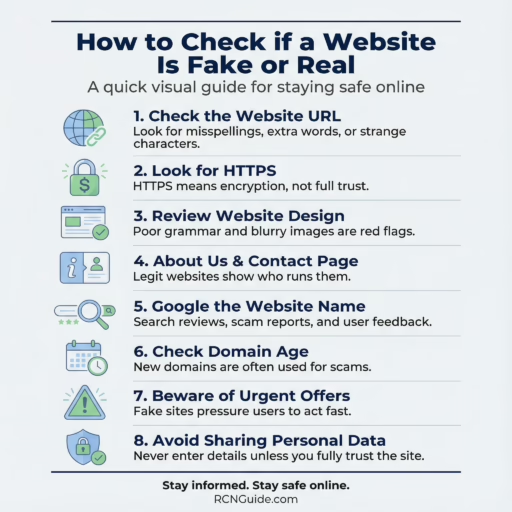
1. Carefully Check the Website URL
The website address (URL) often reveals the biggest clue.
Things to look for:
- Misspellings (for example, amaz0n instead of amazon)
- Extra words like “verify”, “secure-login”, or “offers”
- Random numbers or letters in the domain name
A real brand usually owns a clean, simple domain. Fake websites often rely on confusing URLs that users don’t notice at first glance.
2. Look for HTTPS and the Padlock Symbol
A genuine website usually uses HTTPS, which means the connection is encrypted.
However, HTTPS does not guarantee trust by itself.
What HTTPS means:
- Data is encrypted
- Information is harder to intercept
What HTTPS does not mean:
- The website is legitimate
- The owner is trustworthy
Fake websites can also use HTTPS, so treat this as a basic check, not final proof.
3. Check the Website Design and Content Quality
While fake websites look professional, many still show subtle red flags.
Watch out for:
- Poor grammar or spelling mistakes
- Generic or copied content
- Blurry logos or stretched images
- Too many pop-ups or urgent warnings
Legitimate websites usually invest time in:
- Clear language
- Structured pages
- Consistent branding
If a website feels rushed or poorly written, trust your instincts.
4. Find the About Us and Contact Pages
A real website is transparent about who runs it.
Check if the site has:
- An “About Us” page with clear information
- A physical address or registered business name
- A contact email that matches the domain name
Red flags include:
- No contact details
- Only a contact form
- Free email addresses like Gmail or Yahoo for business communication
5. Search for the Website on Google
Before trusting a website, search its name on Google.
Try queries like:
- “Website name + scam”
- “Website name + review”
- “Is website name legit?”
Look beyond the first result. Forums, user reviews, and discussion boards often reveal real experiences.
6. Check Domain Age and Ownership
Most scam websites are newly registered and disappear quickly.
You can check:
- Domain registration date
- Country of registration
- Ownership transparency
If a website claims to be “10 years old” but the domain was registered last month, that is a serious warning sign.
7. Be Careful With Unrealistic Offers
Fake websites often use emotional pressure.
Common tactics:
- Huge discounts that feel impossible
- Countdown timers creating urgency
- Messages like “Only 2 items left”
- Threats like “Your account will be locked”
Legitimate businesses do not rely on fear or panic to force decisions.
8. Avoid Entering Personal or Financial Information
Before entering:
- Card details
- OTPs
- Passwords
- Aadhaar or ID numbers
Ask yourself:
Do I fully trust this website and know who owns it?
If the answer is no, leave immediately.
9. Use Website Safety Check Tools
There are online tools that analyse websites for risks such as malware, phishing, or scams.
These tools check:
- Blacklist status
- Security reputation
- Past reports
While tools are helpful, always combine them with manual checks for better accuracy.
10. Trust Your Experience and Instincts
Experience plays a major role in online safety.
If something feels:
- Too good to be true
- Too urgent
- Too confusing
It usually is.
Over time, recognizing fake websites becomes easier as you gain more exposure and awareness.
What to Do If You Already Visited a Fake Website
If you suspect you interacted with a fake website:
- Do not enter any more information
- Change your passwords immediately
- Scan your device for malware
- Monitor your bank or account activity
Early action can prevent serious damage.
You can check website fake or not using this tool.
Final Thoughts
Learning how to check if a website is fake or real is no longer optional — it is an essential digital skill. Fake websites continue to evolve, but so can user awareness.
By following the steps in this guide, you significantly reduce the risk of falling victim to online scams and protect your personal information.
Staying safe online starts with being informed, cautious, and aware.
Don't forget to check : The Tech Visionary Redefining Modern Digital Work