In this article
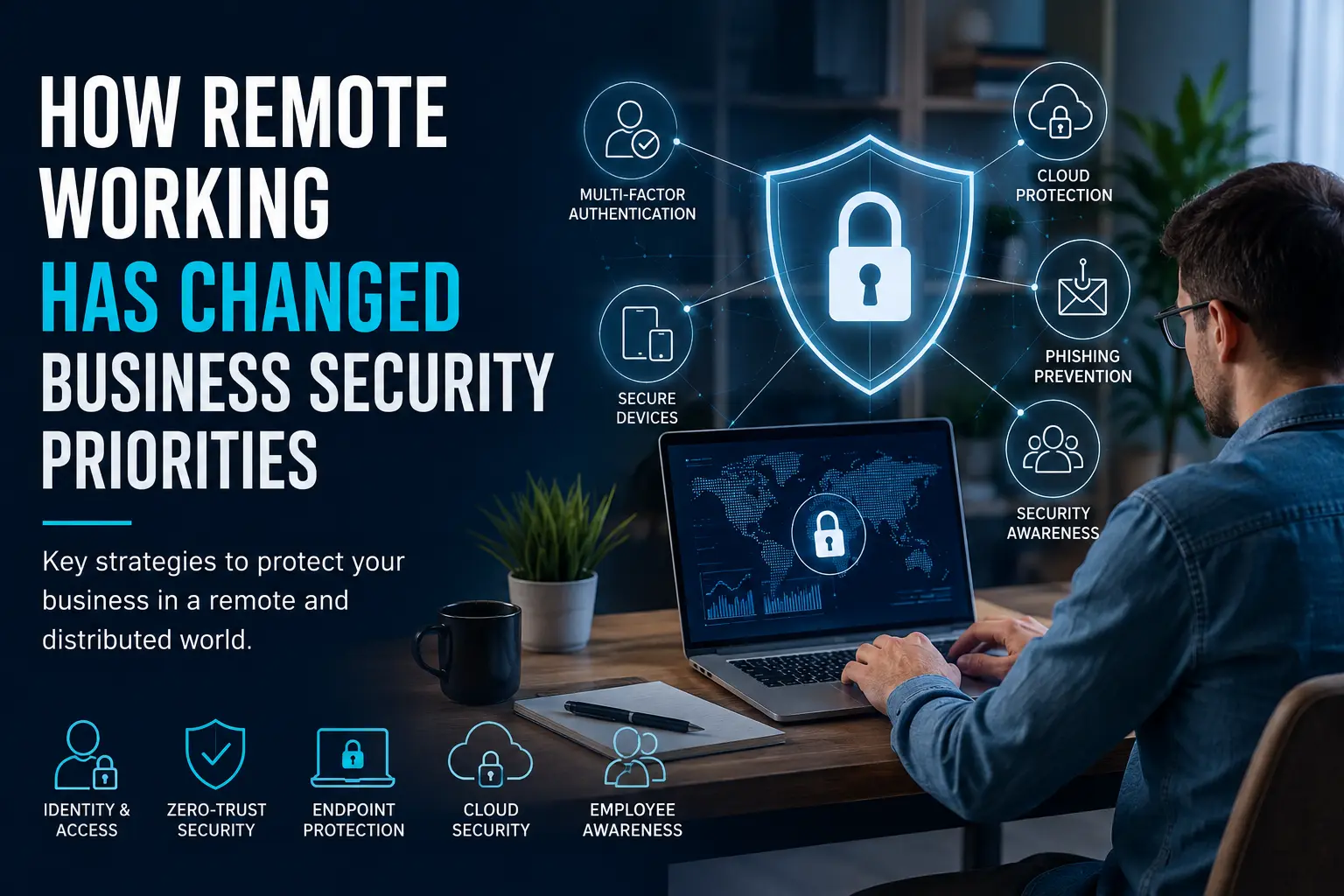
Remote working has moved from an occasional employee benefit to a normal part of business life. Whether companies operate entirely remotely or follow a hybrid model, employees now routinely access company systems from homes, shared workspaces, and other locations.
This flexibility offers clear advantages, but it has also changed the way organisations need to think about cybersecurity. Protecting a single office network is no longer enough. Businesses must secure users, devices, applications and data wherever they are located. The shift has forced security teams to re-evaluate long-held assumptions about where the perimeter of a corporate network actually begins and ends.
The Traditional Network Perimeter Has Disappeared
Historically, businesses could concentrate much of their cybersecurity infrastructure around the office. Employees used company-managed computers connected to controlled networks, making it relatively straightforward for IT teams to monitor activity and restrict access. The office firewall, the on-premise server room and the corporate VPN were the cornerstones of a defence model that assumed trust inside the building and distrust outside it.
Remote working has weakened this traditional perimeter. Employees may connect through home broadband, mobile networks or public Wi-Fi while accessing cloud applications and sensitive company information. A user working from a coffee shop in one city might be accessing the same customer database as a colleague dialling in from a home office in another country. The physical location of the user no longer provides any meaningful security boundary.
As a result, security strategies now need to follow the user rather than protect a fixed workplace, and technologies for secure remote access have become a much greater priority. Organisations that once relied on a castle-and-moat approach are learning that the moat is gone, so security has to be built into each interaction instead of assumed at the network edge.
| Security Priority | Why It Matters for Remote Work | Key Measures |
|---|---|---|
| Identity & Access | Employees access systems from different locations and networks | MFA, role-based access, strong authentication |
| Endpoint Security | Laptops, phones and tablets can become attack entry points | Updates, encryption, endpoint protection |
| Cloud Security | Business data increasingly lives in cloud applications | Access reviews, permissions, secure configurations |
| Zero Trust | Remote users and devices cannot automatically be trusted | Continuous verification, least-privilege access |
| Employee Awareness | Remote workers face phishing and social-engineering risks | Security training, phishing awareness, incident reporting |
Identity and Access Management Matters More
When employees can log in from almost anywhere, businesses need a reliable way to confirm that whoever is requesting access is actually authorised. This is where identity and access management, or IAM, becomes essential. IAM goes beyond checking a password: it continuously verifies who is asking, what they’re allowed to access, and whether that access still makes sense.
Strong passwords remain important, but they should not be the only defence. Multifactor authentication (MFA) can add another verification step, while role-based permissions can restrict employees to the systems and information necessary for their jobs. Regular access reviews are also critical, particularly when staff change roles or leave the organisation. An account that was once legitimate but is no longer needed can become a quiet vulnerability if left active.
Many organisations are also adopting zero-trust principles: instead of trusting someone simply because they connected to the company network, zero-trust checks users, devices and access requests on an ongoing basis. That shift from assumed trust to continuous verification follows directly from having a workforce that no longer sits inside one network.
Why Multi-Factor Authentication Is Essential for Remote Teams
For remote teams, multi-factor authentication has moved from a nice-to-have to a basic control. Passwords are frequently reused, leaked or guessed, and a single compromised credential can give an attacker access to a company’s entire digital estate. MFA adds a second layer, typically a one-time code sent to a mobile device, a biometric check or a hardware token, that makes unauthorised access far more difficult.
For remote workers, MFA matters even more because they aren’t working inside the protective bubble of a corporate office network. If a phishing campaign tricks an employee into entering their password on a fake login page, MFA can still stop the attacker from getting in, provided the second factor isn’t also compromised. It’s a simple, cost-effective measure that meaningfully reduces the risk of account takeover.
Businesses should implement MFA across all critical systems, including email, cloud applications, virtual private networks and collaboration platforms. The small friction it adds to the login process is far outweighed by the protection it offers against credential-based attacks, which remain one of the most common vectors for data breaches.
Zero-Trust Security for Distributed Workforces
Zero-trust security is a framework that assumes no user, device or network is inherently trustworthy, even if they are inside the corporate perimeter. For distributed workforces, this approach is especially relevant because the concept of an inside network has effectively dissolved.
In a zero-trust model, every access request is evaluated independently. The system checks the user’s identity, the health of their device, the sensitivity of the resource being accessed and the context of the request. If any of these factors look suspicious, access can be denied or stepped up with additional verification.
This approach requires solid identity management, continuous monitoring and good visibility into endpoints. It also demands a cultural shift, since employees need to understand why their access is being checked and how that protects both them and the business. Done properly, zero-trust lets people work remotely without giving up control, and it holds up better against modern threats than perimeter-based security does.
Solutions such as sonicwallonline.co.uk can be part of a broader approach to securing access for distributed workforces, particularly when combined with identity and endpoint management tools.
Endpoint Security Has Become a Bigger Priority
Every laptop, smartphone and tablet used for work can potentially become an entry point for attackers. With devices spread across dozens or even thousands of locations, maintaining visibility gets harder. Endpoint security has stopped being just an IT concern and become a business continuity issue.
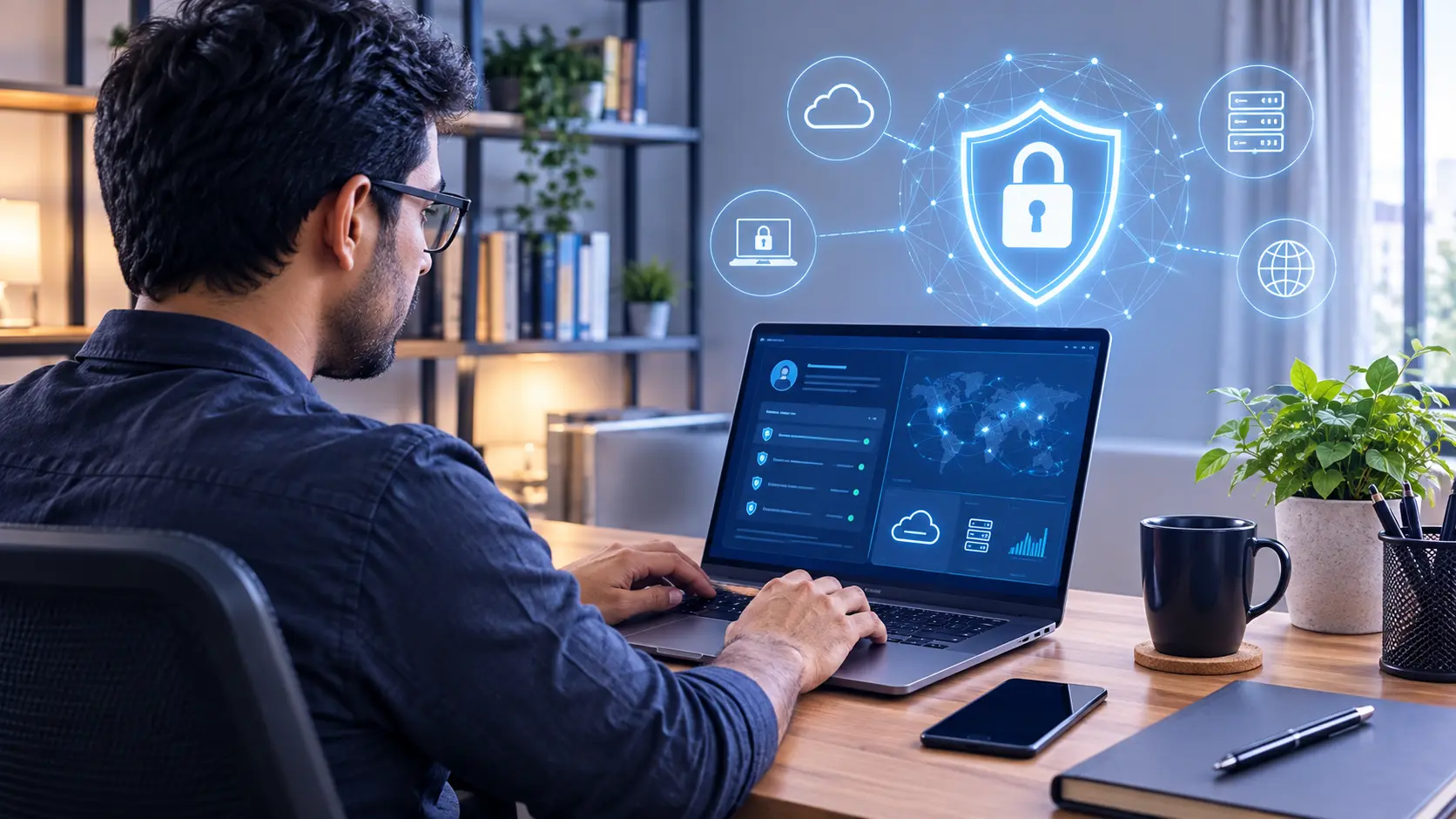
Businesses consequently need clear policies covering company-owned and personal devices. Regular software updates, encryption, endpoint protection and remote device management can all help reduce exposure. The use of mobile device management (MDM) or unified endpoint management (UEM) platforms can give IT teams a centralised view of devices, even when they are scattered across different time zones and networks.
Companies should also have procedures for lost or stolen equipment. Remote locking and wiping capabilities can prevent a missing device from turning into a serious data breach. The speed with which a device can be remotely disabled often makes the difference between a minor inconvenience and a major incident.
Endpoint security isn’t just about technology, either. Employees need to understand the risks of unsecured devices and untrusted networks, and they should feel able to report suspicious behaviour on their devices right away.
Cloud Security Needs Greater Attention
Remote working has accelerated the use of cloud-based applications for communication, file sharing, project management and everyday business operations. The cloud offers flexibility and scalability that on-premise systems cannot match, but it also introduces new security considerations.
However, moving information into the cloud does not automatically make it secure. Businesses still need to manage permissions, authentication and configurations carefully. A misconfigured cloud storage bucket or an overly permissive access policy can expose sensitive data to the entire internet, and such mistakes are surprisingly common.
Employees should have access only to the information they require for their roles. Regular access reviews matter especially when staff change roles or leave the organisation, so outdated accounts don’t keep privileges they no longer need. Cloud security also requires attention to data encryption, both in transit and at rest, plus solid logging and monitoring to catch unusual activity.
As AI is changing the way businesses operate, cloud security matters even more, since that data is what feeds modern analytics and automation. Protecting it in the cloud isn’t optional if that shift is going to be safe.
Employees Are Part of the Security Perimeter
Remote working has also made employee cybersecurity awareness more important. Staff no longer have colleagues or IT personnel nearby when a suspicious email or unusual login request appears. They are on their own, making decisions in real time that can have serious security implications.
Phishing, fake login pages and social engineering can exploit this isolation. Regular security awareness training can teach employees how to identify suspicious activity and report potential incidents quickly. Training should also reflect how people actually work. Guidance on public Wi-Fi, personal devices, cloud file sharing and protecting confidential conversations is more useful to remote workers than generic annual cybersecurity exercises.
Employees should also understand the importance of reporting incidents without fear of blame. A culture that encourages open communication about mistakes or near-misses is far more resilient than one that penalises employees for coming forward. Security is a shared responsibility, and in a remote environment, the employee is often the first line of defence.
Protecting Remote Workers From Phishing and Social Engineering
Phishing attacks have become increasingly sophisticated, and remote workers are a prime target. Attackers often impersonate colleagues, IT support staff or trusted vendors, using urgency and familiarity to trick employees into clicking malicious links or providing credentials.
Social engineering attacks exploit human psychology, not technical vulnerabilities. They are particularly effective against remote workers because the usual cues of an office environment, such as seeing a colleague in person or asking a nearby team member to verify a request, are absent.
To counter this threat, businesses should conduct regular simulated phishing exercises, provide clear reporting channels and ensure that employees know how to verify unusual requests through secondary means, such as a phone call or a separate messaging channel. AI-driven decision-making is increasingly being used in security tools to detect anomalous email patterns and flag potential phishing attempts before they reach the user’s inbox, which adds another layer of protection.
Education alone is not enough, but combined with technical controls and a supportive reporting culture, it creates a strong human firewall against social engineering.
Building a Practical Remote Work Security Strategy
How a Secure Remote Access Strategy Works
A layered approach helps protect users, devices, applications and business data.
Remote Employee
Employees connect to business systems from home, shared workspaces or other locations.
Identity Verification
Verify users with strong authentication, MFA and appropriate access permissions.
Device Security
Protect laptops and other endpoints with updates, encryption and endpoint security.
Secure Application Access
Give users access only to the applications and resources required for their roles.
Data Protection
Protect business information across cloud services, applications and shared systems.
Continuous Monitoring
Review access, devices and activity regularly to identify and respond to security risks.
Building a remote work security strategy does not require a complete overhaul of existing systems, but it does require a deliberate, layered approach. Start with a clear inventory of all devices, applications and users that need protection. Then map out the most critical data and the paths it takes as it moves between employees, cloud services and third-party partners.
From there, prioritise controls that address the most significant risks. This often includes implementing MFA across all key applications, enforcing endpoint protection policies and establishing a zero-trust framework for network access. Regular security audits and penetration testing can help identify gaps before attackers do.
It’s also worth considering how artificial intelligence can support remote security work. AI-powered tools can analyse user behaviour, detect anomalies and automate responses to common threats, which frees up security teams for more complex issues. Machine learning models also improve over time and get better at spotting suspicious activity as they process more data.
For organisations monitoring large numbers of endpoints and cloud services, modern SIEM solutions can give centralised visibility and alerting, so security teams can respond to incidents faster. Perfect security isn’t achievable, but a defensible posture that adapts as threats evolve is.
Security Must Work Wherever Employees Do
Remote and hybrid working have fundamentally changed business security priorities. The focus has shifted from defending a central network to protecting identities, endpoints, applications and information across a distributed environment. Security is less about a place now and more about a set of practices that travels with the user.
Businesses don’t need to restrict flexible working to stay secure; security itself needs to become just as flexible. Strong authentication, carefully managed access, protected endpoints, secure cloud services and informed employees together make up a model built for how people actually work now. That model isn’t static: it needs ongoing attention, regular updates, and a willingness to adapt as threats change.
The businesses that manage this well tend to treat security as something that enables remote work, not something that gets in its way. Building it into how people actually work, rather than bolting it on afterward, is what lets companies keep the flexibility of remote work without losing the trust of their customers, partners and employees.
Use the key points in this guide to understand the topic and make more informed decisions.

This guide is researched and edited using relevant documentation, reliable sources and publicly available information.
Was this guide helpful?
Your feedback helps us improve future guides.